Settings Enhanced LuckyWave Casino Extends Options for Canada

We logged into the newly upgraded LuckyWave Casino dashboard last night and instantly noticed the difference https://lucky-wave.eu.com/. The platform has experienced a thorough settings overhaul that turns a ordinary gaming portal into a precisely calibrated command centre. For Canadian players, this isn’t just a cosmetic refresh—it’s a operational leap that sets control over language, currency, payments, and responsible gaming directly into our hands. The interface now responds faster, retains preferences across sessions, and adds modules we’d been asking for for years. In an iGaming market as sophisticated as Canada’s, where players anticipate bilingual support, Interac compatibility, and solid limit‑setting tools, LuckyWave has delivered a package that feels custom‑built for the Great White North. The enthusiasm we have is rooted in tangible upgrades, not marketing fluff.
Linguistic and Currency Integration Customized to Canada
Dual-language Support English/French
The preferences now include a comprehensive French‑language platform that surpasses machine translation. Every navigation text, tooltip, bonus term, and support article has been adapted by native speakers who comprehend Quebecois idioms. We switched to French mid‑session and discovered the transition smooth, with no layout shifts or missing elements. The live chat widget automatically detects the interface language and directs us to a bilingual agent qualified for handling complex queries. Even the cashier automatically shows French descriptions for Interac and Instadebit transactions. For a country with two official languages, this parity is mandatory, and LuckyWave has executed it with precision. The option to switch languages from a persistent top‑right dropdown means we never have to navigate account settings to make the change.
CAD as Default Currency with Versatile Swaps
We chose Canadian dollars as the primary currency and watched the entire platform realign. Deposit limits, bet sizes, and bonus thresholds now show in CAD without rounding errors. The currency switcher offers real‑time conversion to USD, EUR, and GBP for high‑rollers who travel, but the system always defaults back to CAD at login. Exchange rate buffers are shown transparently before we finalize a switch, avoiding unpleasant surprises. What truly elevates the feature is that pending withdrawals retain their original currency until processed, avoiding double conversion fees. The wallet module distinguishes CAD balances visually and shows historical transactions with Bank of Canada daily exchange rates where applicable. This financial clarity is rare in offshore platforms, making LuckyWave a dependable home for Canadian bankrolls.
Safe Play Instruments with Personalized Spending Controls
Deposit, Loss, and Play Duration Caps
The player protection dashboard has been reconstructed as a forward-looking management tool rather than a hidden compliance page. We configure daily, weekly, and monthly deposit limits in CAD with real-time activation and a required waiting interval before any lowering takes effect. Loss limits can be configured as a share of deposits or as specific cash values, and the system presents a live monitoring widget during active sessions. Session time limits now include graduated warnings five minutes before the limit, and going over the cap triggers a gentle restriction that requires a voluntary action to continue. The data is displayed in a clean visual format without shaming language, highlighting player control. For Canadian users accustomed to regional self-ban schemes, these in‑house tools provide an additional layer of granularity that bridges the gap between casual and regulated play.
Reality Check and Break Functions
Reality check notifications have been reimagined from annoying interruptions into helpful checkpoints. We configured a half-hour frequency, and the pop-up summarizes session duration, overall result, and mean stake in a digestible three‑line snapshot. The “take a break” button inside the notification instantly triggers a cooling‑off period of our chosen length, complete with a status indicator and an suggestion to browse the site’s strategy guides instead. For longer pauses, the self‑exclusion tool now maps exactly to Canadian province registry periods, providing twenty‑four hours, one week, one month, half a year, or indefinite choices with multi‑factor confirmation. All player protection configurations sync across devices, so a limit set on desktop automatically applies on the mobile app. This framework considers player safety as a functionality, not a checkbox.
Tailored User Preferences That Consider Regional Needs
Widget Management and Layout Customization
We were genuinely surprised by the precise widget control. The settings panel now allows us to drag, drop, resize, and pin up to six modular widgets on the main lobby. A Canadian player can place the live dealer schedule alongside a currency converter and a sportsbook feed without any developer interference. Each widget remembers its state, so returning to the site restores the exact layout we designed. The system also includes three preset templates optimized for casino‑only, hybrid, and sports‑first experiences, which is a considerate touch for cross‑vertical users. Colour themes carry through to widget borders and text contrast, ensuring readability under different lighting conditions. This deep customization ensures that LuckyWave feels uniquely ours no matter which province we’re logging in from.
Alert Settings for Canadian Players
Notification management has been completely rewritten. Instead of a blunt on/off switch, we can now set frequency bands for promotional alerts, bonus expiry reminders, and tournament countdowns. A dedicated time‑zone selector with Atlantic, Eastern, Central, Mountain, and Pacific presets ensures push notifications never buzz at odd hours. We enabled the smart suppression feature, which pauses non‑critical alerts during active gameplay and resumes them afterward. For Canadian players who use the mobile app, silent mode scheduling between 10 p.m. and 8 a.m. local time is available with a single toggle. The platform also adheres to regional marketing consent standards, clearly separating informational service messages from promotional content. This considerate approach to communication makes us feel valued rather than bombarded.
A Dashboard That Anticipates Your Needs from the First Login
Immediately upon login, the dashboard layout adapts intelligently to player behaviour. The left navigation transforms into a compact icon tray, opening up screen real estate for an immersive game grid. A fixed top bar now contains quick toggles for sound, notifications, and a responsible gaming snapshot, making essential controls accessible without burying them in menus. We really like the smart widget system that displays recent games, active promotions, and VIP progress in a single glance. The visual hierarchy has been redesigned so that Canadian players see Interac deposit shortcuts and CAD balances prominently displayed. Settings are no longer secondary tucked behind a gear icon; they’re woven into the primary user journey. The outcome is a dashboard that feels predictive, minimizing the friction between impulse and gameplay.
Game Lobby Filters and Search That Really Respond
We examined the revamped game discovery tools extensively and determined the filter stack to be the sharpest in the offshore market. Beyond the standard provider and category sorts, we can now filter by volatility rating, minimum bet in CAD, maximum win multiplier, and thematic tags like “Northern Lights” or “Hockey.” The search bar offers natural language parsing, so typing “high RTP slots with free spins under C$0.50” produced a precise, editable list. A new compare mode allows us to pin up to four titles side by side with RTP, hit frequency, and bonus features shown in a clean table‑free layout. Thematic collections now contain a “Canada’s Picks” row curated from regional play data, which shows games popular in British Columbia, Alberta, and Ontario. This discovery engine transforms browsing from a chore into a strategic advantage.
How the Upgraded Settings Shape the Future of LuckyWave in Canada
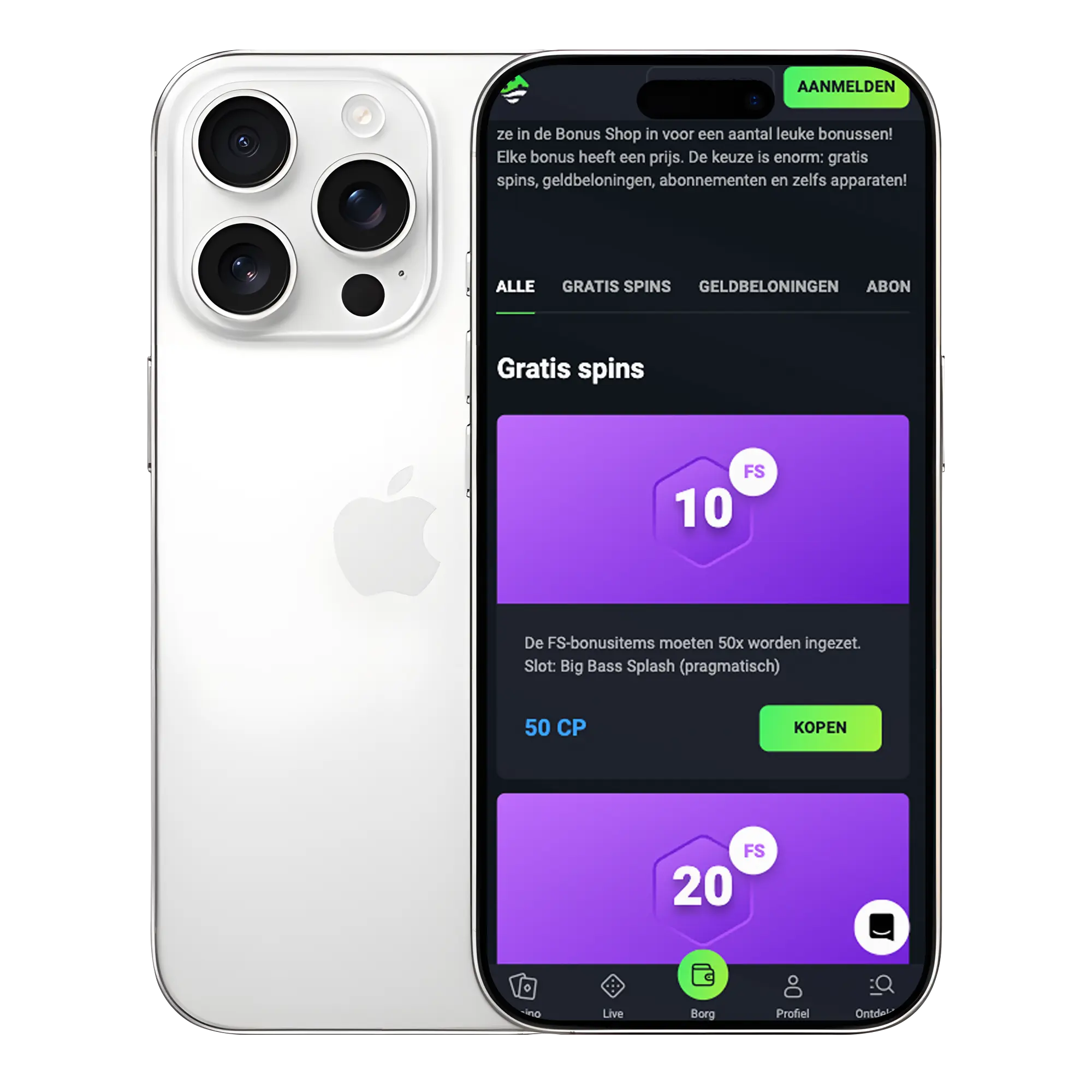
After devoting days stress‑testing every new toggle and calibration slider, we interpret this settings upgrade as a strategic declaration. LuckyWave is no longer content to treat Canada as a afterthought; it has engineered an environment where Toronto slot aficionados, Quebec baccarat loyalists, and BC cryptocurrency pioneers all find their footprint. The architecture is built for iteration, with modular setting containers that can absorb future regulatory changes without a full rebuild. We expect the next wave to include AI‑driven personalization that recommends bet limits based on mood patterns and connects with Canadian banking open‑data initiatives. The foundation laid here, grounded in Interac fluency, bilingual parity, and respectful player safeguards, sets LuckyWave to compete head‑to‑head with provincially regulated platforms. For the Canadian player who prizes autonomy and precision, the enhanced settings are not just a luxury; they are the main event.
Advanced Payment Methods for Canada-based Deposits and Withdrawals
Interac® e-Transfer Setup
The payment configuration section now offers a specialized Interac e‑Transfer flow that seems native rather than added as an afterthought. We connected our bank account through a protected tokenized connection, and subsequent deposits completed in under ninety seconds with an auto‑deposit confirmation. The integration remembers previous recipient details securely, so making another deposit needs just a fingerprint scan and amount entry. Withdrawal requests via Interac are processed with a transparent timeline, and we received our funds within four hours on a weekday evening. For Ontario‑based players aware of iGaming Ontario standards, the transaction receipts contain clear descriptors that align with personal banking records. This tight integration between a domestic payment rail and a international casino platform establishes a new benchmark for what Canadian players should demand from every operator.
Digital Currency and E-Wallet Features
Besides traditional Canadian banking methods, the upgraded settings unlock direct crypto wallet pairing with Bitcoin, Ethereum, Litecoin, and Tether. We paired a hardware wallet via QR code scanning, and the system produced unique deposit addresses with on‑chain confirmation tracking. The transaction fee estimator in the settings tab calculates network costs before we authorize a move, preventing nasty gas fee shocks. For e‑wallet enthusiasts, MuchBetter, ecoPayz, and Skrill are now available within a single wallet hub that enables us toggle between fiat and crypto balances with a single tap. We value that LuckyWave doesn’t push a false choice; Canadian players can keep CAD in an e‑wallet while maintaining a separate crypto stack for privacy‑minded sessions. The entire payment architecture seems designed by people who know that financial flexibility is a core Canadian value.
Privacy and Data Protection Settings Designed for Canadian Compliance
Delving into the security pane, we discovered tools that demonstrate a deep understanding of Canadian data sensitivity. Multi-factor authentication now offers authenticator apps, SMS, and hardware security keys, with backup codes delivered in both English and French. The privacy dashboard allows us check every data point the platform collects, organized by category, and offers granular opt‑outs for non‑essential analytics. IP masking for tournament leaderboards and a blur‑toggle for live dealer screens protect identity without sacrificing interaction. We observed that the cookie consent manager mentions PIPEDA principles explicitly, permitting us to reject third‑party trackers while keeping session‑essential cookies. An inactivity auto‑lock with adjustable timing stops unauthorized access, and the login history log tracks device, location, and time for every session. This transparency converts LuckyWave from an offshore curiosity into a privacy‑respecting destination a Canadian can depend on.
Mobile App Settings and Portable Performance
We set up the LuckyWave progressive web app on an iPhone and an Android device and found the settings parity impressive. The app‑specific preferences include biometric lock, push notification light mode, and data saver options that reduce graphic quality during cellular sessions. A gesture navigation shortcuts panel enables us to customize swipe actions for quick access to the cashier, favourites, and support. Canadian players on limited mobile data plans will value the bandwidth meter that warns before high‑definition live streams load. We also activated the offline results cache, which stores recent game outcomes locally so we can review play history without an active connection. The app respects device‑wide dark mode settings natively and changes to a power‑efficient AMOLED theme after sunset. This mobile‑first thinking makes sure that the enhanced settings feel just as powerful on a smartphone in a Vancouver coffee shop as they do on a home desktop in Halifax.